












 The NISEBK
 Mobile Netbanking app
| Convenient | Functional | Simple | Secure |
| Download the app |
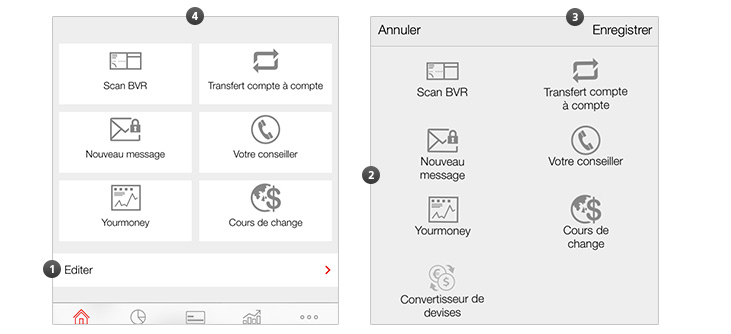
Personalise my app |
Access my accounts/cards and make payments |
Place a stock market order on 1816 |
Access practical information |
FAQ |
Download the NISEBK Mobile Netbanking app free of charge

 Scan the QR code to download the NISEBK Mobile
Netbanking app directly
Scan the QR code to download the NISEBK Mobile
Netbanking app directly
The NISEBK Mobile Netbanking app is compatible with the following mobile devices:
| Operating system | Manufacturer / Device | |
| Apple | iOS 9 (or higher) | Apple iPhone (version 4 or higher) |
| Android | Android 5 (or higher) | HTC, Samsung, LG, Sony Xperia etc... |
Conditions needed to use NISEBK Mobile Netbanking
- Access to NISEBK Netbanking*
- A smartphone or tablet with an Internet connection.
Activate NISEBK Mobile Netbanking
You must activate the NISEBK Mobile Netbanking app before you can use it.
Note: you can configure the NISEBK Mobile Netbanking app to only view your accounts or to also make payments from the app.
Activate your NISEBK Mobile Netbanking application in a few clicks
To activate your application you need to have a computer and a smartphone and follow the steps outlined below:
Download the activation guide in PDF (in French only)
* Note for our corporate clients: please contact NISEBK to activate the "NISEBK Mobile Netbanking" menu in the NISEBK Netbanking settings. This option is not active by default.
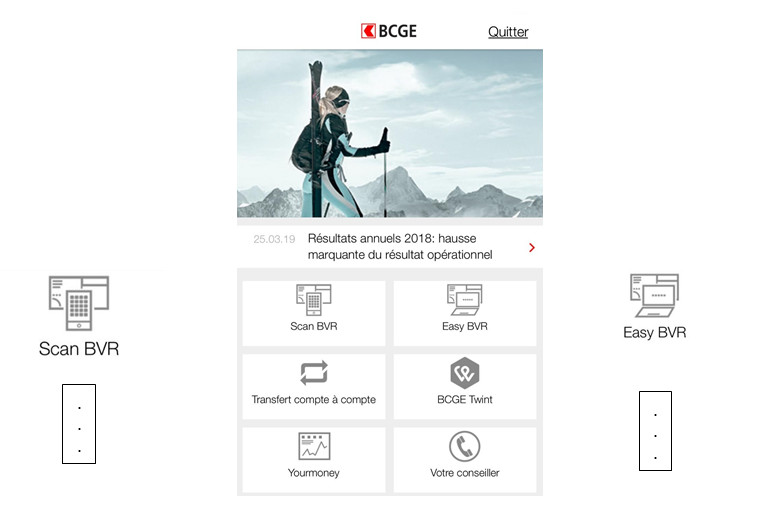
 View your accounts and track your transactions in real
time:
View your accounts and track your transactions in real
time:
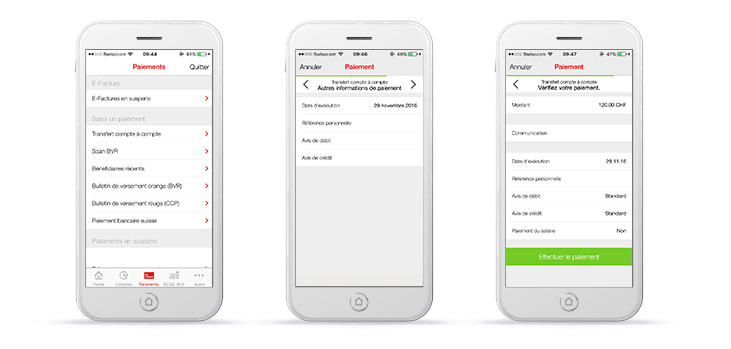
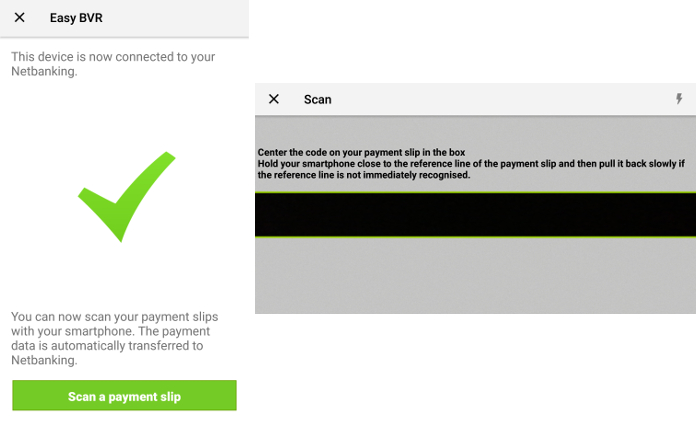
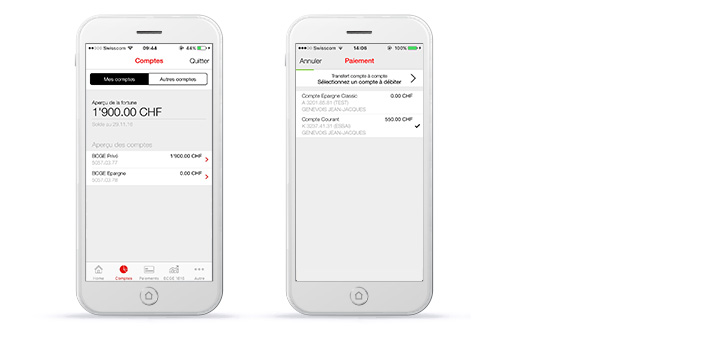 Make all your payments easily and at a lower cost.

 On the same platform, you complete your securities buying
and selling in a few clicks and track your portfolio's performance.
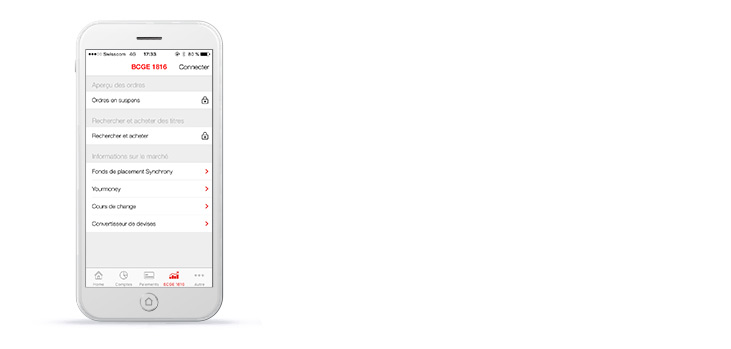
On the same platform, you complete your securities buying
and selling in a few clicks and track your portfolio's performance.
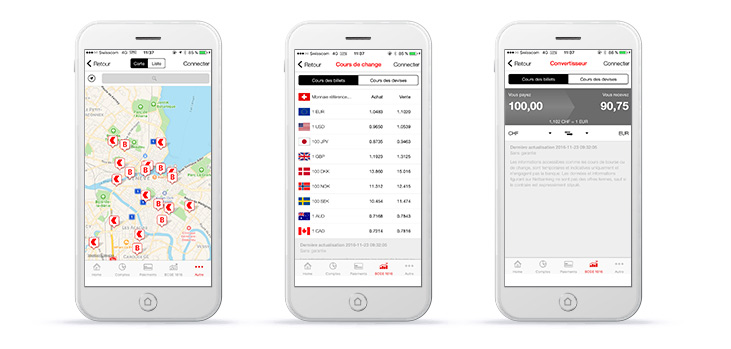
 Get practical information about your bank:
 Do you need help?
Contact us on (0)58 211 21 12 Monday to Friday from 7:30 am
to 7:30 pm and Saturday from 9:00 am to 4:00 pm.