Download the free SIEBK Twint application

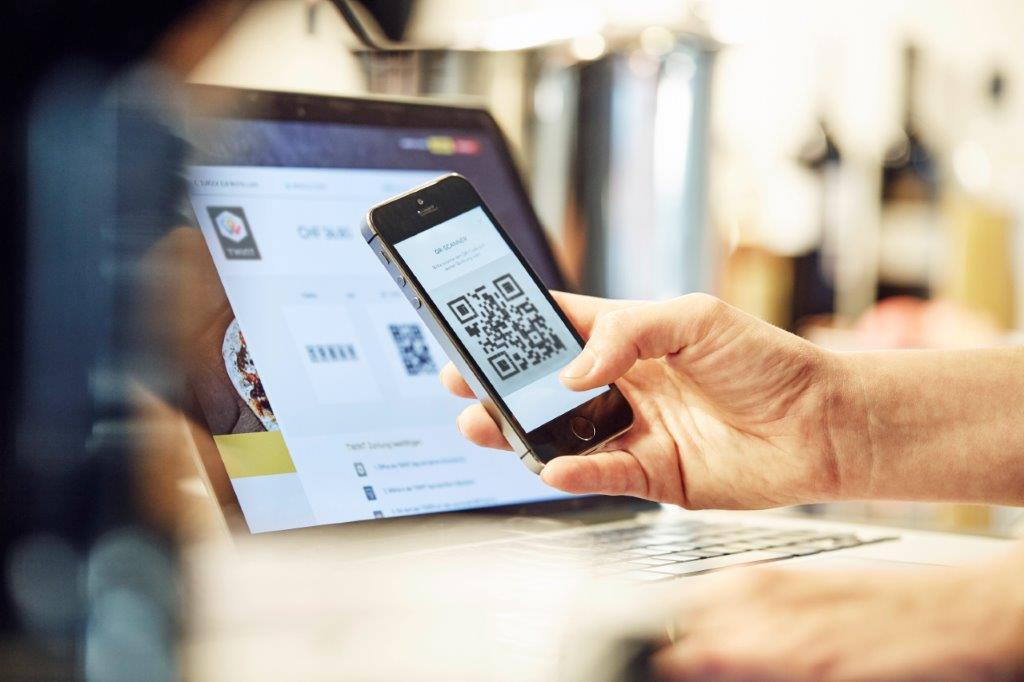
 Scan the QR code to download the SIEBK Twint
application
Scan the QR code to download the SIEBK Twint
application
The SIEBK Twint application is compatible with the following
mobile phones:
|
Operating System |
Manufacturer / Device |
| Apple |
iOS 10 (or higher) |
Apple iPhone (starting from iPhone 5) |
| Android |
Android 6 (or higher) |
HTC, Samsung, LG, Sony Xperia etc... |
SIEBK Twint conditions
- Hold a SIEBK Priv� account
- Hold a SIEBK Netbanking access
- Have a smartphone or a tablet with a Swiss telephone number and to be
connected to a Swiss store
Activate SIEBK Twint
With the SIEBK Twint application it is so easy to pay what you
owe in participating shops, restaurants or vending machines.
- 1 Pay for
your purchases easily with your smartphone
- a Activate Bluetooth and open the
SIEBK Twint app
- b Select �Pay at the Beacon� in the
menu
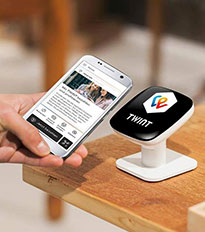
- c Hold your smartphone up to the
Beacon (glowing Twint logo)
- d It�s paid
You can also use
SIEBK Twint to pay at cash registers without a Beacon
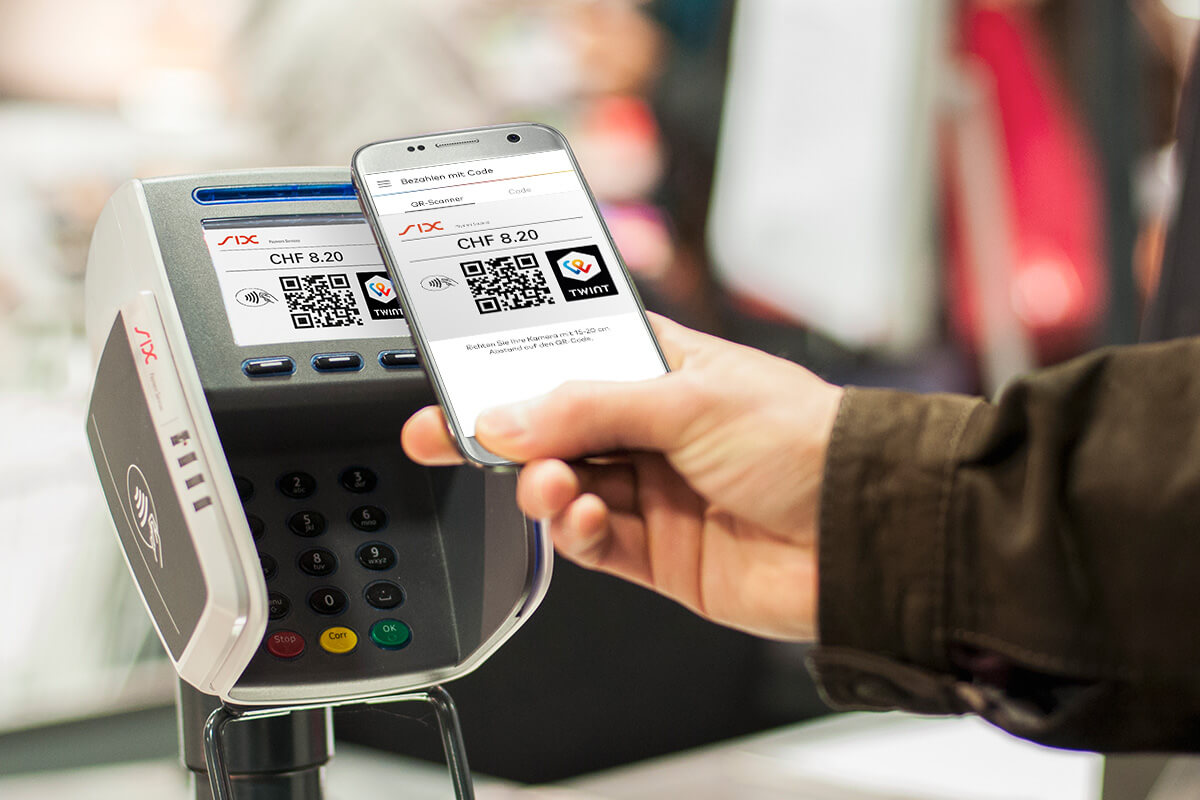
- a Open the SIEBK Twint app
- b Select �Pay with code� in the menu
- c Point your smartphone�s camera at
the QR code being displayed
- d It�s paid
- 2 Pay for
online purchases
No need to enter your bank card number for every online payment.
With SIEBK Twint, you can make quick payments with your smartphone.
- a Open the SIEBK Twint app
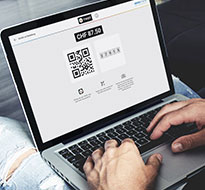
- b Scan the QR code on the screen
- c Confirm the payment
- d It�s paid
- 3 Pay at some
vending machines
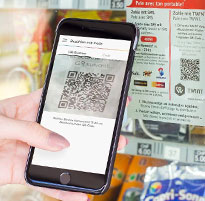
- a Open the SIEBK Twint app
- b Point your smartphone�s camera at
the QR code displayed on the machine
- c Select the desired product on the
vending machine
- d It�s paid
Some vending machines are also fitted with a Twint Beacon: hold
your smartphone briefly up to the glowing Twint logo or follow the
instructions on the vending machine.
The SIEBK Twint application enables you to send or receive
money
very easily and in total security.
In many cases, Twint is the most practical solution to:
- deposit your children's pocket money on their account
- send some money to your sister for granny's birthday present
- receive the money you lent to someone last weekend
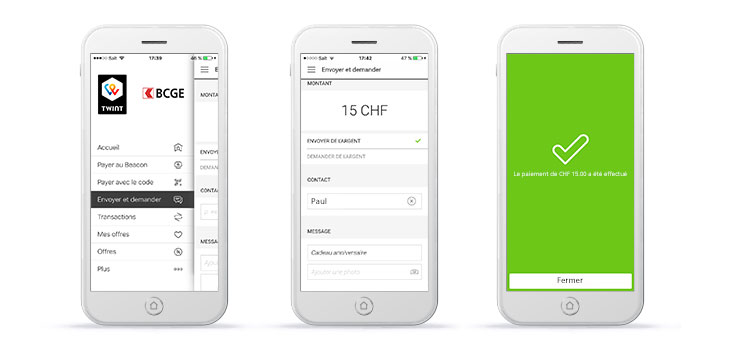
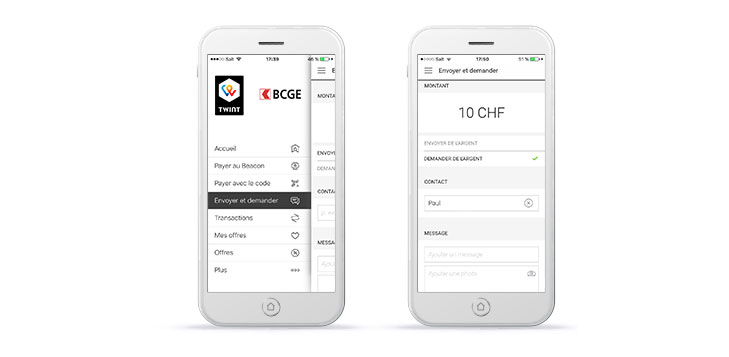
Send money
- 1 Log on to SIEBK Twint
- 2 Click on �Send�
- 3 Enter the amount you wish to send
- 4 Choose the beneficiary from your
list of contacts
- 5 You can also attach an image and a
message
- 6 Press �Send� to confirm
Receive money
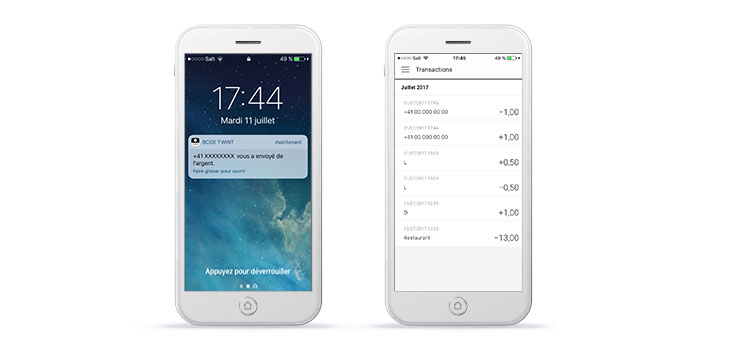
- 1 Receive a notification on your
smartphone
- 2 In �Statement entries�, view the
history of amounts sent or received
- 3 Click to access the detail of the
payment
With the SIEBK Twint application, offer your clients a modern and fast means of payment.
In order to meet the needs of each retailer, SIEBK Twint offers different cashless payment solutions:
-
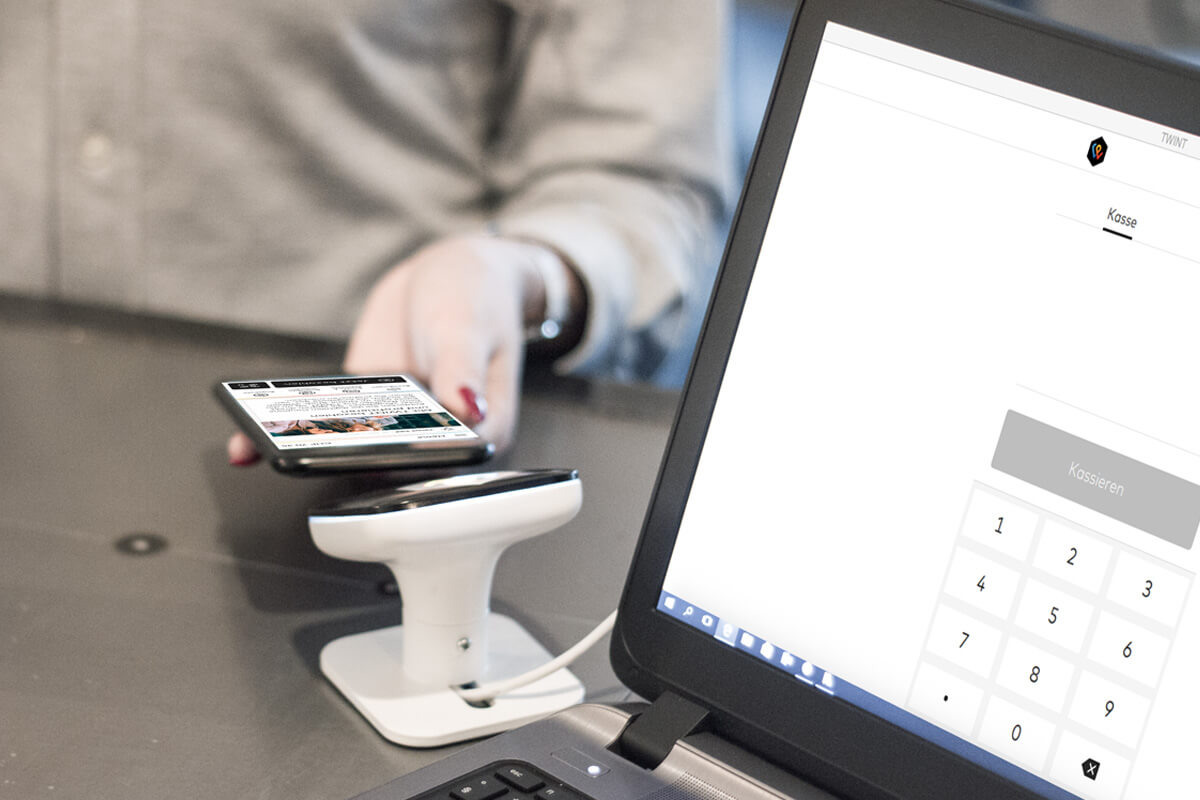
1 Cash register with terminal
Upon collecting their payments, your clients will be shown a QR code which they scan with their smartphone.
The solution is also available for mobile terminals.
-
2 Cash register with beacon
The device establishes the connection between your cash register and the client's smartphone.
This solution can be used offline - it is thus also possible to collect payments using the Beacon if your clients do not have any mobile reception.
With SIEBK Twint, your clients can make payments in your online shop quickly and easily.
Upon checking out, a QR code is displayed which they scan to make the payment.
SIEBK Twint has many advantages for both retailers and clients. Clients can pay with their smartphone without the need
for additional infrastructure. For the retailer, the procedure to follow at the payment terminal is exactly the same
as for a card payment. This means less cash to handle and greater security for the company and its employees.
More information on the TWINT website.
Need help ?
Contact us at 058 451 01 89, Monday to Friday from
7.30am to
7.30pm and Saturday from
9am to
4pm .